
Create a song on Djaminn in 16 steps – Best Beginners Guide
Harness your creativity, choose your preferred genres, and start adding your unique sounds to the music world with Djaminn. Let’s get started and make your music creation journey as seamless and enjoyable as possible! We hope you’re loving your Djaminn experience — if you have any more questions, visit our guides or look through the FAQ at support.djaminn.com. If you are stuck, don’t hesitate to drop us a line at support@djaminn.com.

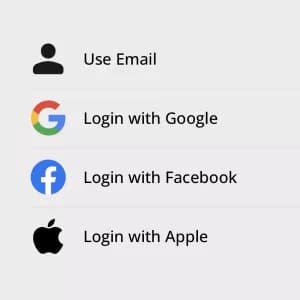
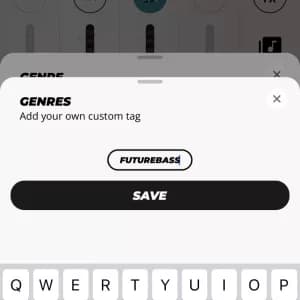
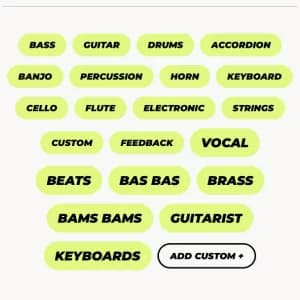
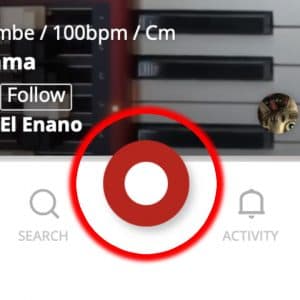



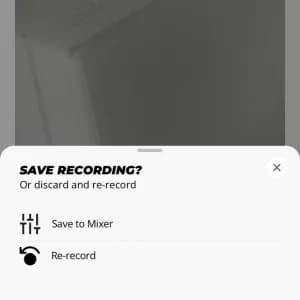
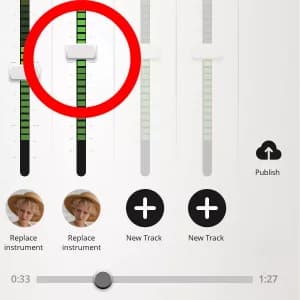
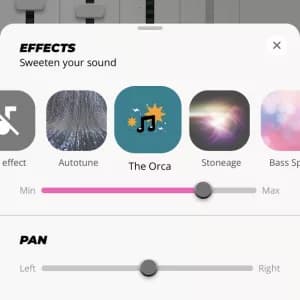
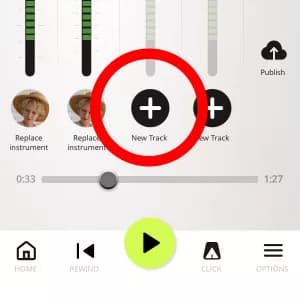
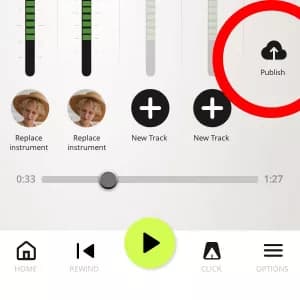


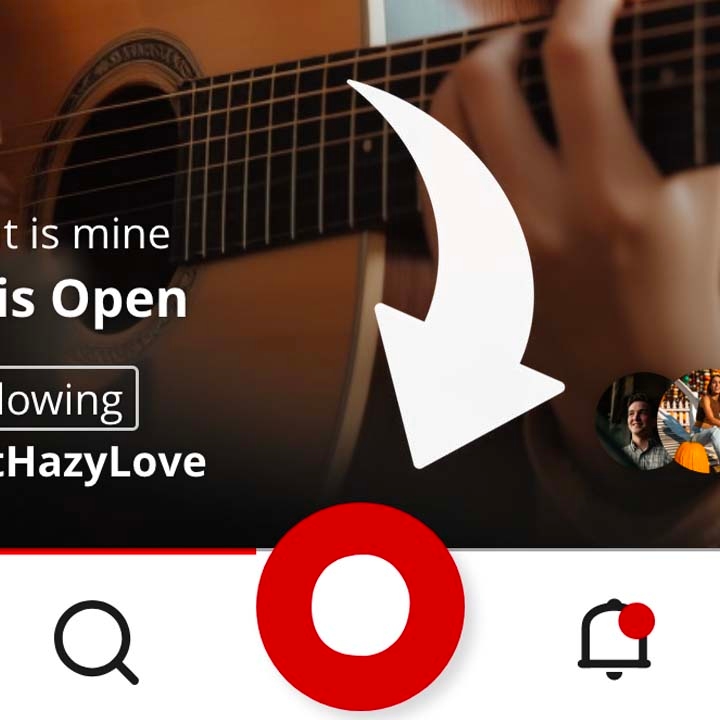
Where to next? We hope you find this guide helpful as you create a song on Djaminn and enjoy your music creation journey! For more tips on creating engaging music videos, visit our guides or look through the FAQ at djaminn.com/support. Don’t forget to download the Djaminn app from here and explore other blog posts in this series such as “Recording audio for music videos” and “Great lighting in your music videos“.If you have any questions, don’t hesitate to reach out to our support team at support@djaminn.com. Create a song with a four track mixer Remember, Djaminn offers a simple yet effective four-track mixer, allowing users to add, mix, and edit tracks swiftly. In fact, it is meant to be fun! This quick and intuitive approach to music creation is one of Djaminn’s major strengths, helping users to ride the wave of inspiration without delay. Video – the best engaging way to create a song In fact, Djaminn stands out for putting video into the heart of its collaborative tools. This adds a dynamic and engaging element to the music creation process. For example, by adding video to their songs, users can give their collaborators a better sense of the overall vision for the track. This can help to improve the creative process and lead to better results. Moreover, you can see and feel who you are playing with. After all, music is meant to be emotive! For instance, when you can see and feel who you are playing with, it can help you to connect with the music on a deeper level. This can lead to more expressive and impactful performances. Video – the best engaging way to create a song Overall, Djaminn’s integration of video is a valuable addition that makes the music creation process more creative, engaging, and emotive. In addition, here are some additional thoughts on the benefits of integrating video into the music creation process: • Video can help to communicate the overall vision for a track. When you can see the video, you can get a better sense of the mood, atmosphere, and energy of the track. This can help you to collaborate more effectively with other musicians and producers. • Video can help to inspire creativity. Seeing other musicians perform can be a great source of inspiration. When you can see the video, you can get a better sense of their techniques and style. This can help you to develop your own unique sound. • Video can help to promote your music. When you share your music with video, you can give your audience a more immersive experience. This can help to increase engagement and reach. We believe that the use of video in the music creation process is a trend that is here to stay. As technology continues to develop, we will see even more innovative ways to use video to create and share music. ’re a musician seeking to make music with others, create new songs, and take your career to the next level, Djaminn is the music collaboration app for you. First Join our Facebook group to start feeling that collaboration! TL:DR Version First, let’s start by opening the Djaminn app. Secondly, you’ll need to register to create a song on Djaminn. Then, you’ll choose your favorite genres. After that, you’ll select the instruments you play. To do this, you can either press the red record button or click on the ‘Start a new track’ banner. Once in the four-track mixer, you can click on the ‘+’ symbol to start recording a new track with your microphone and video. Once you’re happy with your recording, you can save it to the mixer. When you’re finished, you can publish your song and share it with others. Overall, Djaminn is a valuable tool for musicians who want to create and collaborate on music.
What You Need Before You Create Your First Song
Before beginning to record, it would be wise to spend some time preparing your equipment and getting ready mentally. A bit of preparation will go a long way toward helping you prevent any technical problems that might arise when you start recording and make the songwriting experience both smooth and enjoyable. • Pick a quiet place to record your material. • Wear headphones to decrease chances of audio feedback. • Test your microphone and recording volume before starting the first take. • Gather lyrics, chord notes, or just an outline of your future song. • Plan whether you want to record the vocal or instrumental part first. • Check your internet connection if planning to collaborate online. • Charge your recorder or plug it in.
Compare Different Ways to Start a Song on Djaminn
However, there is no universal right way to start writing a song. It all depends on your creative flow, your musical knowledge and experience, and whether you are working alone or collaborating with others. There are several songwriting flows possible in Djaminn, and you can pick any one depending on what works for you.
However, it usually depends on the way your ideas come up. Some people like to catch the idea straight away when it comes with their vocal or some instrument, and others tend to develop their songs through cooperation and multitrack recording.
Common Mistakes When Creating Your First Song
There is a certain set of problems that almost all beginners face while recording their first song, irrespective of their level of musical skills. It is quite comforting to know that most of these problems can be easily avoided by being cautious and thorough about some details. Avoiding these mistakes helps you make better recordings and stay more organized and efficient. • Recording in an environment with distractions. • Recording without a basic idea or structure of the song. • Recording all the tracks at full volume. • Not using headphones while recording. • Publishing the project without checking all the tracks. • Not organizing the project files and recordings. • Inviting other people before finishing the basic structure of the song. Taking a couple of minutes to go through the project before sending it to someone else saves time in the future. A well-structured song is much clearer for collaborators to work on.
Why Create Songs with Djaminn Instead of Traditional Recording
Recording in a traditional way may be done in a studio using special equipment, as well as when sessions are planned. However, there is an alternative: mobile cloud-based recording. Both ways have their advantages but cannot be considered equally good since they serve different purposes. Thus, musicians who need to capture ideas and work together remotely can use cloud-based technology to facilitate songwriting without studio production. • Start recording from anywhere using your mobile phone. • Cooperate remotely with other musicians without meeting in person. • Use both audio and video recording in one project. • Create song tracks by track using multitrack recording technology. • Transfer projects via cloud storage rather than sending heavy files. • Work on your music wherever you are on compatible devices. • Improve and develop your ideas anytime you want. All in all, such a workflow becomes quite convenient for many songwriters, independent musicians, and bands who work remotely.
Common Questions About Creating Songs
Is it possible to keep working on the song after publishing it? Yes. Publication does not mean the end of work; you can make changes to your arrangements or add ideas if you have any. How can I select a good point to start creating the song? Choose what inspires you the most. Some musicians start their songs with a vocal melody; others start with chords, rhythm, or an instrumental part. The best way to go is what will help you catch your ideas fast enough. Do I need to finish my whole song before inviting other people to collaborate? Not necessary. Some people prefer to work with other musicians at an early stage of creating the song; other people like to share the whole arrangement. How do I make sure that my songwriting is efficient? Working in smaller intervals of time, saving my results, and capturing ideas right when they come will help me sustain the flow and minimize the risk of forgetting something. Is it possible for beginners to write original songs without prior experience in recording? Yes. Many beginner songwriters start by recording basic ideas and then continue to improve over time. It becomes easy for Djaminn to record these basic ideas, and creativity and consistent experimentation prove more important than recording proficiency. Why is cloud-based songwriting helpful for musicians working remotely? Djaminn enables musicians to work on the same project without needing to be in the same place. It becomes easier for them to share their ideas and keep building the song afterward.